60-second overview
One reporting task, ready to repeat.
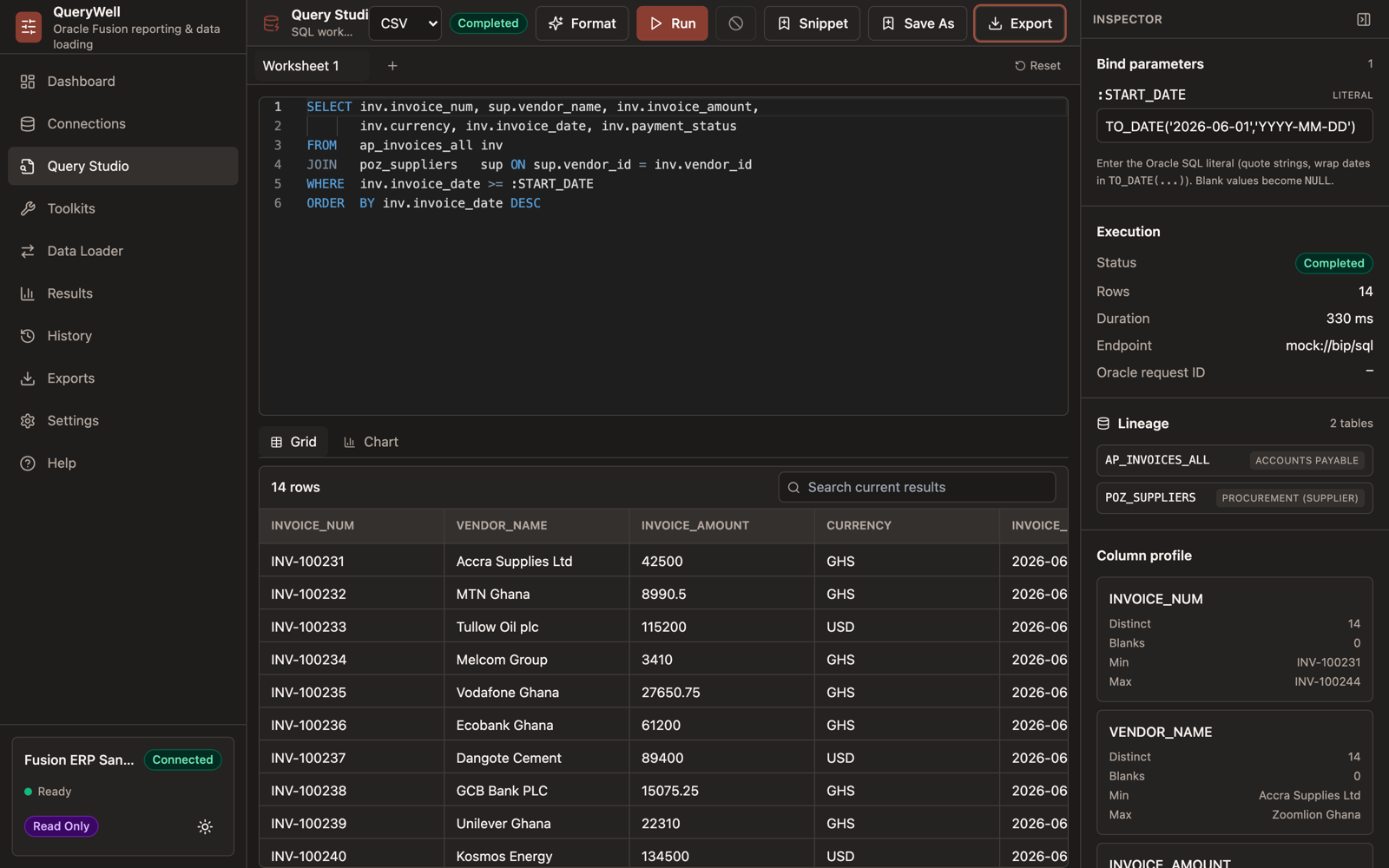
Start with an approved query, review the result against a trusted reference, export it and return to the saved query next time.
AI-generated illustrative workflow scenes, a genuine QueryWell screen and demonstration data. This is an overview, not a continuous live recording. English captions are included in the video.
Read the overview transcript
The overview follows an illustrative monthly AP invoice-register task: open a saved query, inspect sample rows, compare the result with a team reference and export a spreadsheet. The “Approved” label represents a query agreed by the team, not a demonstrated approval feature.
When the same Oracle Fusion reporting task comes around again, how much work do you repeat? QueryWell brings query execution, results review and exports into a desktop workbench for Oracle Fusion reporting.
Start with an approved query. Review the returned rows and check the result against the reference your team already trusts. Export the result for your reporting workflow, then return to the saved query when the task comes around again.
Before a live trial, confirm your reporting credentials, BI Publisher access and permission to install the desktop application.
Have one recurring Fusion reporting task? Email info@querywell.app and let's assess whether QueryWell fits.
Start with the task you want to assess; please do not email credentials or customer data. Live reporting requires a username and password (basic auth over HTTPS) — OAuth sign-in doesn't run reports yet, and SSO-only users can't trial QueryWell. Your reporting account needs BI Publisher access (BI Consumer or BI Author roles). Review the full trial prerequisites.
Watch the original 30-second product recording
A silent recording of the app in demonstration mode: Query Studio results and charts, a sample export and Data Loader setup. Sample rows and figures are illustrative, not customer results or endorsements.